Have you heard about Classlink yet? This is a “single sign-on” app that allows you to use one username and password to access everything you need. We have a wealth of technology tools available to us in this district. Using classlink can make navigating those tools simpler for educators, learners, and parents. Watch this short video to learn more.

Thursday, March 9, 2017

Tuesday, March 7, 2017
A Closer Look at CBL
Written by Kaitlin Tan
In our last blog post we introduced the learning design model, Challenged Based Learning. For those of you who need a basic introduction to CBL, it is a structured project that lets the learners decide what they want to learn. First, a big idea is proposed. Then, learners create a challenge and guiding questions to help them complete that challenge. After using guiding activities to answer those questions, they then suggest solutions.
Our Media B class is documenting the CBL project our Math classes are currently tackling. Their big idea is “Impact”. They have challenged themselves to make a global impact by bringing awareness and aid to the Syrian refugee crisis and child labor. On March 31st, the entire sixth grade, is hosting a dance. There will be a movie shown for all learners right after school, followed by a dance from 5:30-7:30. All proceeds will go to Unicef.

Monday, February 27, 2017
Room 319 Happenings Jan. - Feb. 2017
Going the Extra Mile
Written by Kaitlin T.
It’s been a busy six weeks, as we’ve been learning new things and helping the whole school. Both Media A and B have been going the extra mile with their work.
In January, Media B was introduced to the Texas Public Schools Rock Contest. Students were challenged with creating a video to enter for the entire school. Using the prompt, “What makes your school special?,” We collaborated to come up with a creative idea. Thanvi, Kaitlin, Jessica, and Carly took the lead on this project.
For the month of January, Show 3 was successfully produced. The show had a big idea of “self-control”, as that was our character trait of the month. Some of our main highlights included, Post Christmas Depression, Flipped Fridays, Unorthodox Addictions, and the Texas Public Schools contest video. Watch the 3rd installment of WESTV here.
Media A started a new unit on Stop Motion animation. After two weeks spent understanding the animation process, all of the students experimented with creating their own. View some of their creations in the Padlet below.

Currently, Media B is tackling a challenging project as well. They started their big Challenge-Based Learning project for the year with the big idea of “Inform”. Our challenge is to inform all stakeholders of our school's CBL initiative. Watch this trailer to learn more.
It’s been a great six weeks in all, learning new things and polishing old skills. Stay tuned to what else these multimedia classes will accomplish and more about our Math department's "Impact" CBL project.
Monday, January 16, 2017
Room 319 Happenings Nov. - Dec. 2016
Rewind
Written by Thanvi K.
As we began 2017 by diving right into productivity, we wanted to rewind a little and give a quick recap of some of our major achievements and projects during the last marking period.
To start off, as a Multimedia team, we were able to create and release the 1st and 2nd installment of WESTV. Using the new idea of CBL introduced by our school administration, our classes incorporated the character trait of each month into each episode to exemplify a new challenge when it comes to creating our show. Our theme for the first show was the character trait of “Cooperation" and the character trait for the second show was “Caring”. Our show included interesting segments such as Take Care of Texas, National Handwashing Week, Derek Holland, Great Barrier Reef, Shoe Drive, and more. Watch our shows here:
While creating our WESTV shows, all students in Media also created a digital portfolio as their semester exam. In the beginning of the year, we started this as a CBL project with a big idea of "reflection". We challenged ourselves to "Create and maintain a digital portfolio that monitors progress, shows progression, demonstrates knowledge, and includes reflection."
We decide the detailed guidelines and requirements that should be included in the rubric. After that was set and done, all students had the rest of the semester to find the information and images they needed for the assignment. The information included in the portfolio for this semester was mostly about the past and present of the learner while next semester, it will be mostly about the future. You can view a few of the webpages from the links below:
Another challenged proposed to the media learners was the internationally known movement called the “Hour of Code”. This initiative reaches leaners in over 180 countries to try to encourage and show them that anyone can be involved in the evolving sciences of technology. Our media classes participated by doing a variety of things such as programming robots, coding online, and creating products from coding.


Currently in Media, all kids are hard at work on projects including new WESTV installments, podcasts, and video competitions. Be sure to stay tuned for more information on current projects and new occurrences in the media classroom!
Wednesday, January 11, 2017
Proud Teaching Moments

One of my former, amazing principals used to say this to us all of the time. He was master at recognizing even the small contributions of his staff. I have also been blessed with several co-workers that are masters at the skill of recognizing not just major successes, but the small contributions to the greater good. My current principal starts every faculty meeting with "Celebrations," a time for educators to recognize other educators. It has been a long time since I have worked in a corporate job, but I don't remember experiencing the kind of "lifting others up" as I have in education.
When I reflect on my proudest teaching moments, a theme of recognition emerges. The thank yous from former and current learners that tell me how I or my class inspired them and how they still use the skills learned in my class years later fills my heart and motivates me to try even harder to reach every learner in my classroom. Seeing my learners win awards or be recognized for projects they completed under my supervision makes me ridiculously giddy and encourages me to seek out more competition experiences for my them. From having grants approved and being nominated for Teacher of the Year and Great Educators Matter awards to the simple compliments from a colleague praising my leadership, a lesson, or my ability to connect with learners, it is surprising how these things have given me the confidence to grow and take risks.
 |
| NASSP and NJHS National Service Project Award |
 |
| Multimedia Service Learning Project |
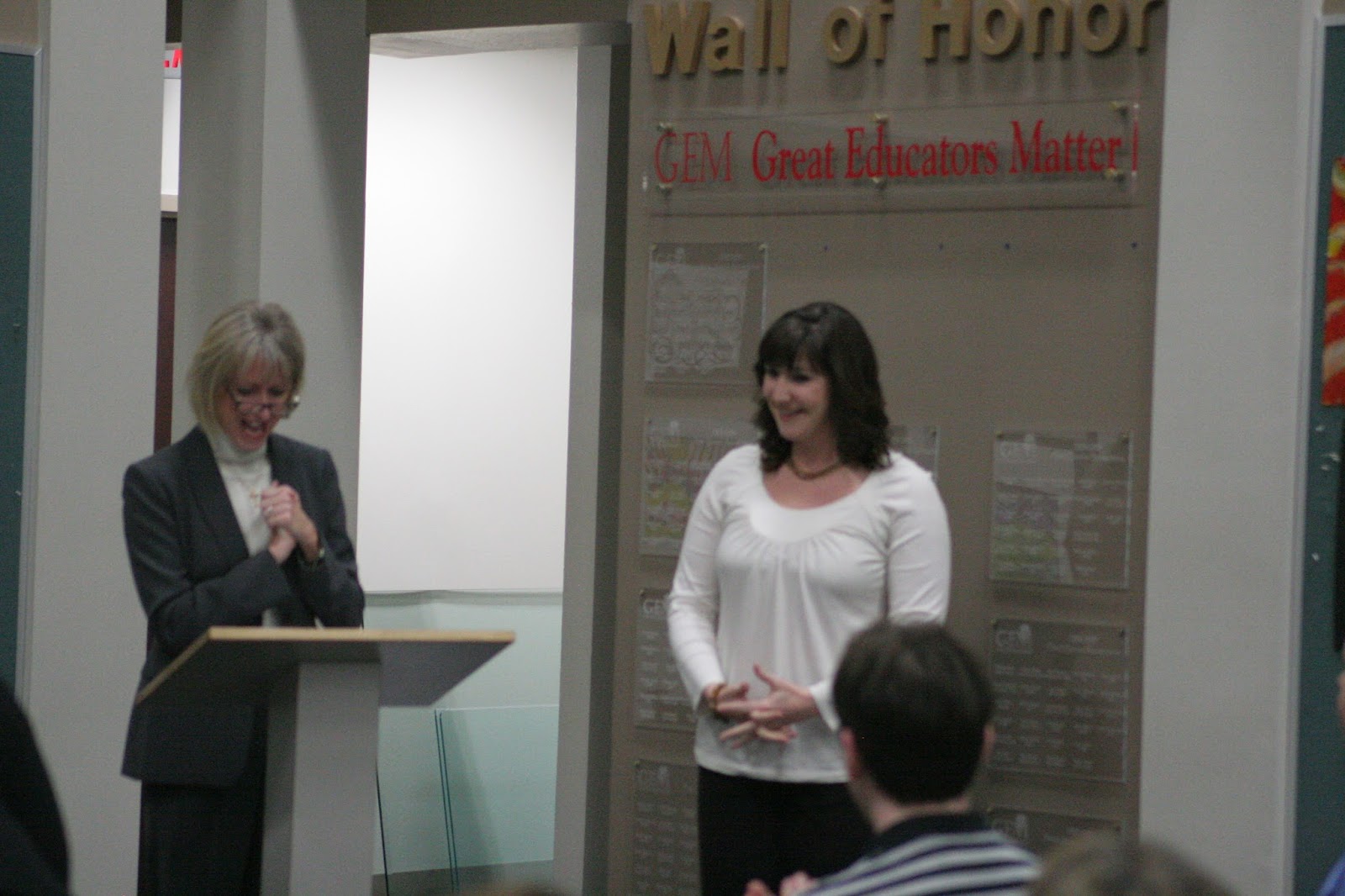 |
| Receiving a GEM Award |
Leave a comment below with the special ways you recognize learners and colleagues.

State Video Contest Finalist Voting

Natalie Adams' Take Care of Texas Video has been selected as one of the top six in the state and has made it to round two of voting! Winners from this round will be chosen by public voting. Please visit this link and cast your vote for Natalie, 8th grade.
Friday, January 6, 2017
Teacher Tech Tools in Under Two Minutes #3
A few educators have asked me what tool I used to make my Teacher Tech Tools in Under Two Minutes tutorial videos. I have used several different screencasting programs personally and with my learners. Up until very recently, QuickTime was my favorite. That was until my savvy digital learning coach, Trisha Goins, turned me on to a Google Chrome extension called OpenVid. I like the personal touch of the front facing camera. If you are interested in a simple way to screencast with or for your learners, take less than two minutes to watch my short tutorial. When you are ready to add the OpenVid extension, please use my referral link, to help me get unlimited video access.
Teacher Tech Tools in Under Two Minutes video series is not the only way I use screencasting. My learners love to screencast. We have used it to teach each other technical skills within our Multimedia classes and to create how-to videos that are informational and entertaining for the entire school.
Please comment below with your favorite screencasting tools and how you use screencasting in your classroom learning experiences.
Subscribe to:
Posts (Atom)